Give motion a purpose
Design interface animation that explains state, preserves reading and feels responsive. A practical approach to easing, reduced motion and mobile performance.
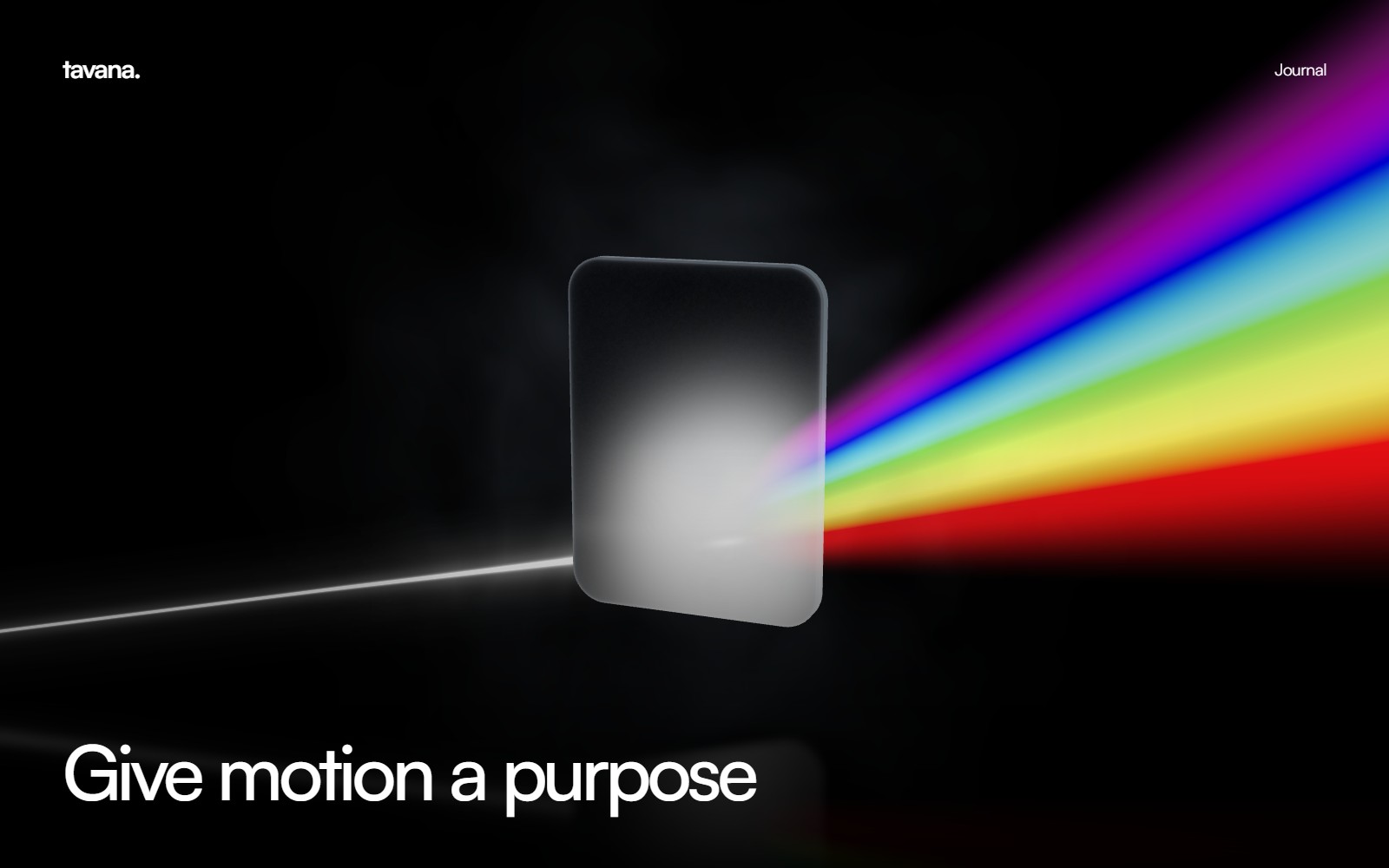
Interface motion should explain what changed and help someone continue. A button press needs feedback. An expanding section needs a visible relationship to its trigger. A scene transition needs a destination that feels connected to its starting point. Those relationships matter more than the number of animated elements.
Begin by designing the complete resting state. Text should read well, actions should be obvious and the layout should be coherent without movement. Animation can then connect those states instead of concealing an unfinished composition.
Match the movement to the action
A small hover response and a full scene change should not share the same timing. Hover feedback needs to acknowledge input promptly. A large transition can take longer if it communicates progress and leaves a clear way back.
Use easing to express how an object arrives. A gentle deceleration helps a panel settle. A continuous linear loop suits a constant process. A spring can make direct manipulation feel responsive, but repeated overshoot on ordinary text creates unnecessary movement. Choose the behaviour because it describes the action.
Preserve continuity
A common transition problem is changing several systems at once: the background moves, text blurs, the page scrolls and a new layer appears. Each effect may look reasonable alone, yet together they create a cut rather than a connection.
Choose an anchor that remains stable. Keep the wordmark in place, hold the background still or let a shared object lead the transition. Introduce the next content before the previous visual movement has completely disappeared. Avoid translating an entire opaque page when only its contents need to move.
Keep reading comfortable
Text animation needs a definite finish. A progressive blur can introduce a heading, but the last line on a short page must still reach its sharp state. A scroll reveal should not require the visitor to scroll beyond the end of the document.
Do not keep body text in perpetual motion. Preserve selectable HTML and a meaningful reading order. If the script fails, the content should remain visible. A visitor who focuses a control with a keyboard should be able to see it immediately.
Respect reduced motion
The reduced-motion preference is a separate design path. Replace large rotations, zooms and repeated travel with a short crossfade or an immediate state change. Keep all information and actions available. Test the actual experience rather than assuming a CSS media query covers a JavaScript animation.
The W3C guidance on animation from interactions explains why non-essential movement needs care. That principle is useful even when a project is not targeting the corresponding conformance level.
Budget for the device
Animate transform and opacity first. Large blur filters, full-screen compositing, high-resolution canvases and many transparent layers can be expensive. Measure the final scene on the devices you expect people to use. A smooth development preview is not a performance guarantee.
Pause off-screen renderers and stop loops when their state is settled. Scale rendering resolution deliberately rather than allowing a high-density phone to render an unnecessarily large canvas. Frame pacing matters: an animation with uneven frames can feel worse than a simpler one with consistent timing.
Explore motion design and visual storytelling for the visual approach, or creative web development for implementation. Good motion makes the next action feel natural and then gets out of the way.