Make the first seconds count
A practical guide to website first impressions: clarify your offer, establish a visual hierarchy and use motion without delaying the visitor’s next step.
A website earns attention by making its purpose clear. Before someone studies the details, they need to understand what you make, whether it matters to them and where to go next. Visual character helps them remember that answer. It cannot replace the answer itself.
There is no universal three-second deadline that applies to every visitor. The useful design constraint is simpler: the first screen should work even when someone gives it very little attention.
Give the screen one job
Write the first screen as a sentence before arranging it. For a creative practice, that sentence might be: “I design identities and build interactive websites.” A product might need a concrete outcome and a price. A local service might need its service area and a booking link. Choose the information the visitor needs to recognise a fit.
Then choose one dominant element. It could be the work itself, a direct headline or an interactive object. If the logo, headline, illustration and three buttons all demand equal attention, the visitor has to organise the page before they can use it.
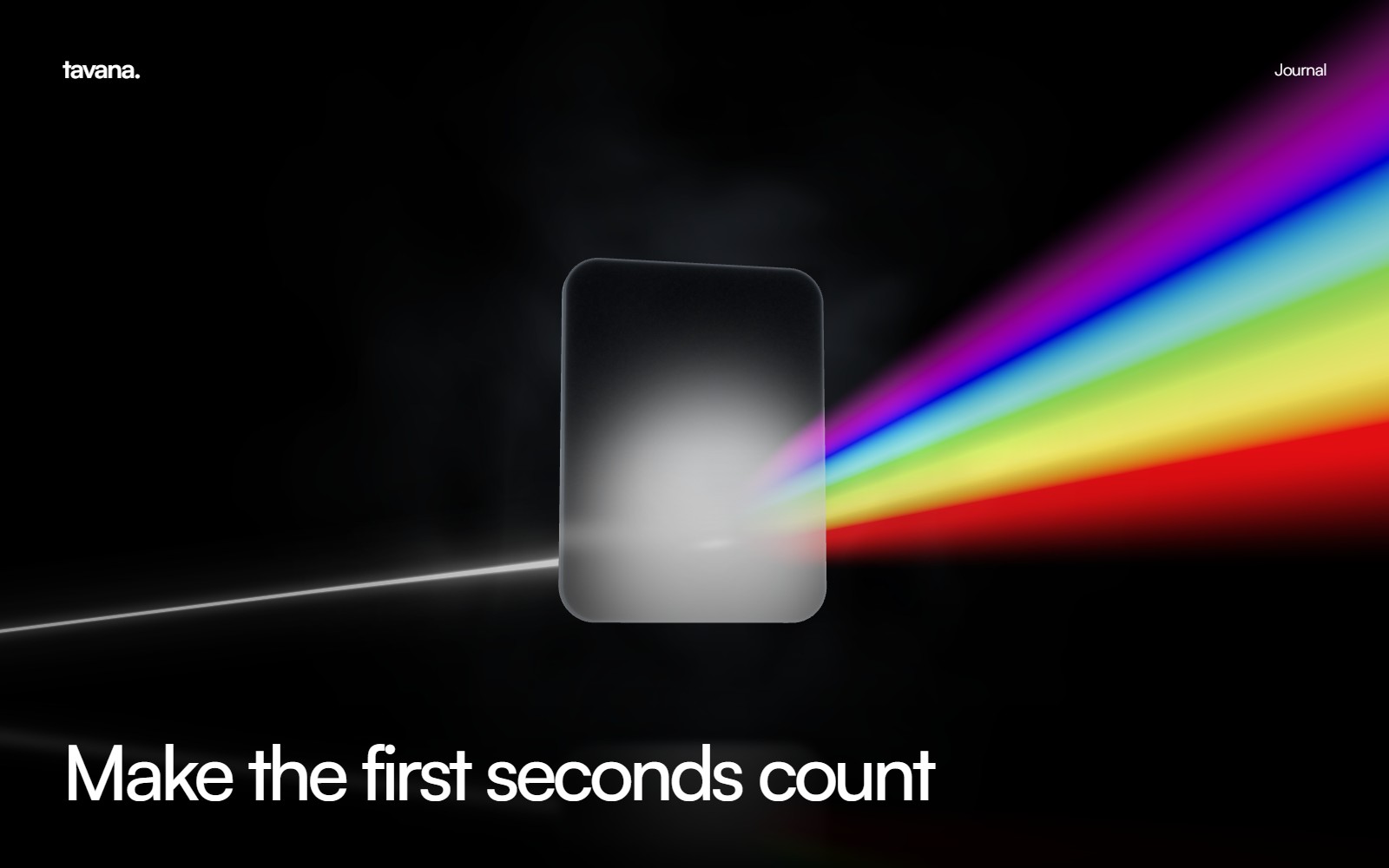
On Tavana, the prism gives a visual form to connected disciplines. The surrounding copy still needs to explain the practice. An optical experiment can create curiosity; plain language turns that curiosity into understanding.
Make the next step obvious
An action should describe what happens next. “View the work,” “Explore capabilities” and “Start a conversation” give different promises. Pick the one that matches the current stage of the visit. A visitor discovering a practice may want evidence before they want a call.
Keep the primary action reachable without competing controls around it. On a phone, test the real label at the narrowest supported width. A beautiful button with cropped text, an invisible focus state or a small touch target fails at its only job.
Let motion explain something
Motion is useful when it connects a cause to a result: a selected item expands, a scene breaks into its parts, or a heading resolves into focus. It becomes friction when a visitor must watch it before they can read, scroll or leave.
Animate transform and opacity where possible, keep text as selectable HTML, and provide a reduced-motion path. A transition should end in a stable, readable state. Repeated blur, long sequences and moving backgrounds behind paragraphs make the page harder to use.
Test the least generous visit
Open the site on a small phone with a cold cache. Start without sound. Try it with reduced motion. Navigate by keyboard. Check that the message remains visible while images and graphics load. These conditions reveal problems a large development monitor can hide.
Use this review before publishing:
- Can someone describe the offer after a quick glance?
- Does one element clearly lead the composition?
- Can the main action be reached with a thumb and a keyboard?
- Does the page communicate before an animation completes?
- Does the mobile layout preserve the same useful information?
Build clarity into the system
A strong first impression continues beyond the hero. The next section should answer the question the first screen creates. A service claim should lead to its scope, approach and evidence. An article should deliver the answer its title promised.
For implementation, explore creative web development. For the visual behaviour around it, see motion design and visual storytelling. If the message is still unclear before design begins, start with brand identity.
The best opening is one you can remember and use. Design for both.